
How to share a vault
- Reading
- 1 min
In this article, we will explain how to share a vault via the Proton Pass web app.
1. Add the items to a vault you’d like to share. This can be an existing vault, or you can create a new one for the purpose.
2. Open the Proton Pass app, select the desired vault → click on the three vertical dots (⋮) next to the vault you’d like to share → Share.
You can also share the vault by clicking on the share icon next to the three vertical dots.

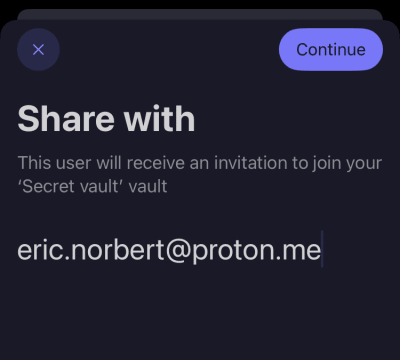
4. Enter the email address of the person you’d like to share the vault with, and then tap Continue.
5. Select the level of access this person will have when they join your shared vault. Tap Continue when you’re ready.

6. Review your shared vault settings. If you’re happy, tap Share vault.